A closer lookEvery feature,
One app.
Your whole training.
Six timers, your progress, your photo journal and your week of food. Built to make you show up again tomorrow.
SOKESA
Drag to spin. Timers, progress, journal, food and themes, all in one app.
Train. Track.
Transform.
The training app that keeps every second, every rep and every photo.
Step into the light.
Move your cursor. Everything you need to train is in here.
Everything in one placeThe whole training,
The whole training,
in one app.
Timers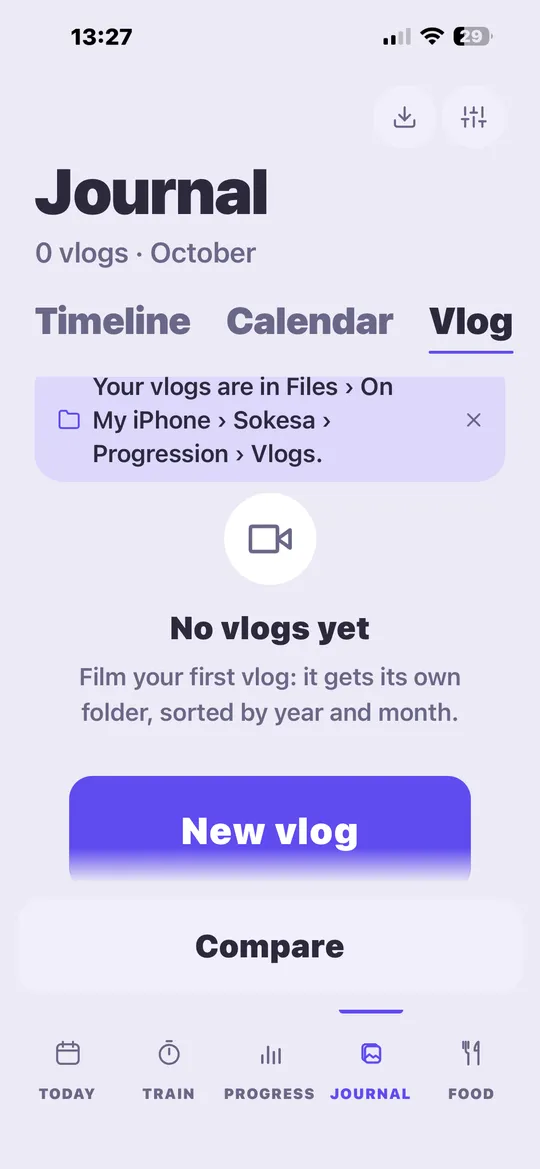
 Food
Food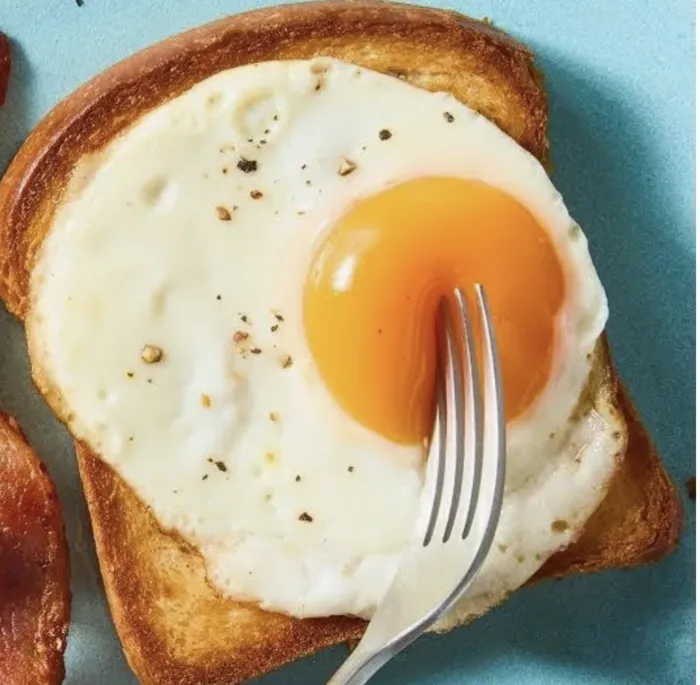 Widgets
Six timers. One flow.
AMRAP, For Time, EMOM, Tabata, Free and Mix. Type any value, keep your last setups, start in one tap.
See it move → ProgressEvery rep adds up.
Weekly plan, exercises with photos, records and the curve behind them.
JournalYour body, as a film.
Guided progress photos, a calendar, vlogs and a before/after film that plays itself.
Plan the week.
Meals, recipes, a shopping list and “What’s left?”.
WidgetsOn your home screen.
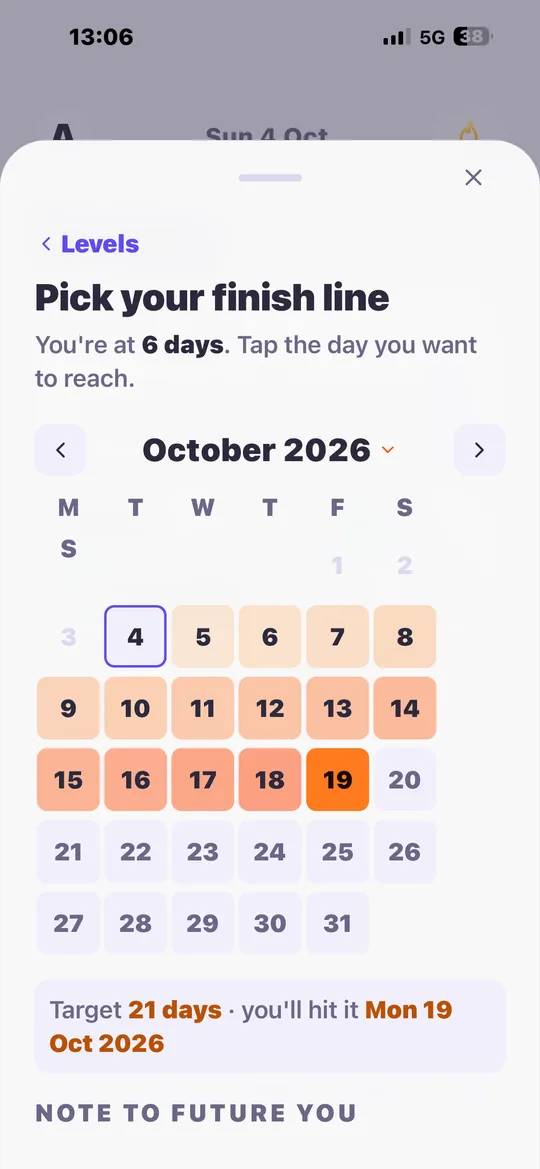
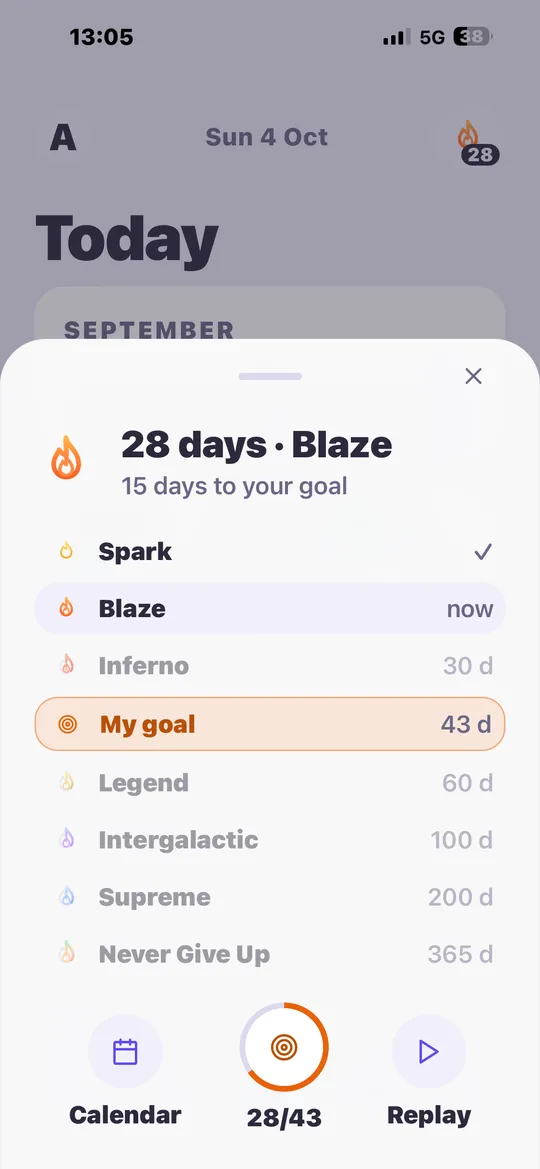
STREAK42
Live ActivityOn your lock screen.
EMOM · WORK
00:42Try it hereTry a timer.
Try a timer.
Right now.
This is the real flow from the app: a short countdown, the ring, the beeps. Pick a format and press Start. Sound on.
AMRAP · 1 MIN01:00As many rounds as possible
Rounds 0
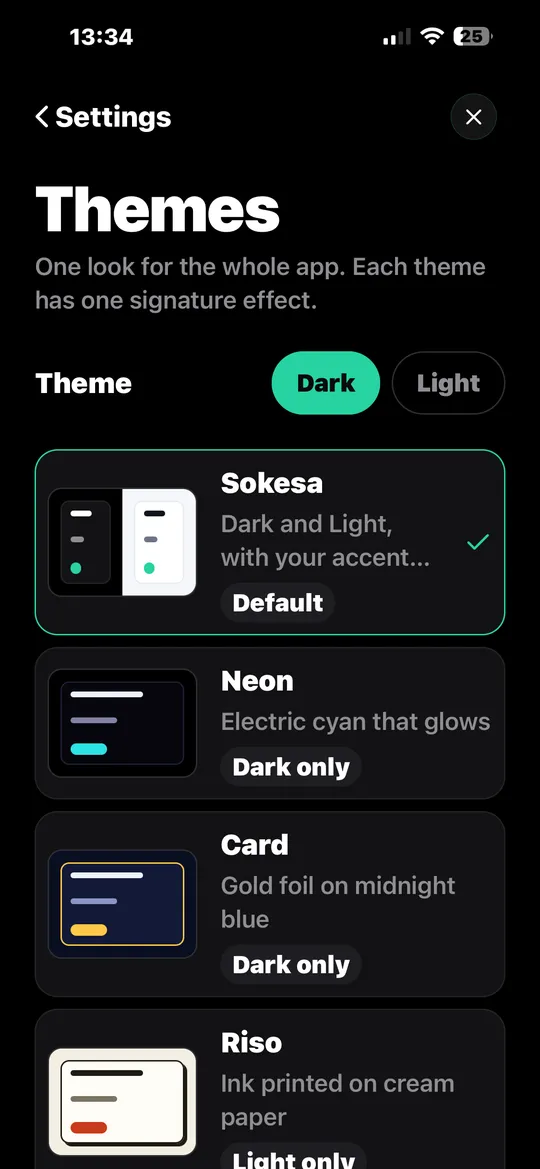
Themes
Make it yours.
Six looks, six accent colors, one tap. Try them: this whole page follows.
Beyond the appSokesa lives
Sokesa lives
outside the app.
Your timer on the lock screen, in the Dynamic Island and on your Apple Watch. Your streak and quick-start buttons on the home screen.
◷00:42
Lock screen · Live Activity
Sunday 4 October07:06
EMOM · WORKSOKESA
00:42
Minute 4/10
${''}
SkipPause
Home screen · Widgets
My streak42
My capsuledays left
Quick start
AMRAP 12′EMOM 10×1′TABATALegs MIX
Privacy
Your photos stay yours.
On your phone
Progress photos and data are stored on your device. Lock the Journal with Face ID.
No account needed
Open the app and start. No sign-up, no email.
No ads
Nothing between you and your training.
Export anytime
Your photos live in Files › Sokesa › Progression. Take them anywhere.
L'exi-gens
Who made it
Built by a student engineer.
I’m L’exi-gens, an engineering student. In the summer of 2026, I decided to chase a dream I had carried for years: building my own app, from the first sketch to the store. Sokesa is that dream. My training lived in five apps, so I made one place for all of it.
6timer formats
68automated test suites
10,000+checks before every update
5themes
FAQ
Questions?
Is Sokesa free?
Yes. Every feature shown on this page is free, with no ads.
Is it on Android?
Sokesa is coming to iPhone and Android. Some extras, like the Dynamic Island, are iPhone only.
Where are my photos stored?
On your phone. Sokesa keeps a private copy and shows your progress folder in the Files app. Nothing is uploaded.
Does it work offline?
Yes. Timers, progress, journal and food planning all work without a connection.
Does it work with Apple Watch?
Your running timer appears on your Apple Watch through the Live Activity, with its buttons. No watch app to install.
How do themes work?
Pick Sokesa (dark or light), Neon, Card, Riso or Clay, and one of six accent colors. Widgets follow your choice.
Download On a computer?
Scan to open Sokesa on your phone.
Ready when you are.
Your first session starts in less than ten seconds.
On a computer?Scan to open Sokesa on your phone.